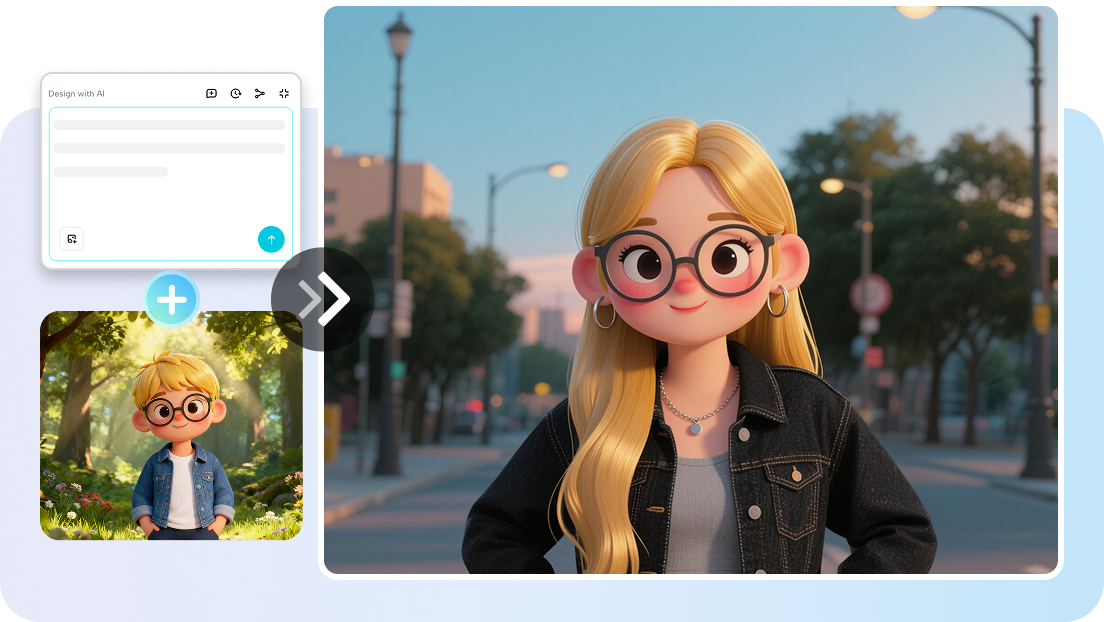
In the past decade, digital content creation has evolved rapidly, but one challenge has remained constant: producing visually engaging content consistently requires time, design knowledge, and technical tools. For many creators, marketers, and educators, the biggest bottleneck is not ideas but execution. This is where ai design has begun reshaping the creative process, allowing individuals and teams to turn rough concepts into polished visuals more efficiently than ever before.
Rather than replacing human creativity, AI-powered design systems are increasingly being used as creative assistants. They help creators experiment with layouts, generate visual assets, and streamline video production workflows. Understanding how these tools fit into a modern content pipeline is becoming an essential skill for professionals working with video and visual storytelling.
The Shift from Manual Design to Assisted Creativity
Traditional video production often requires multiple specialized roles: scriptwriters, graphic designers, video editors, and motion designers. Each step introduces delays and requires technical expertise.
AI-assisted design tools are beginning to simplify this process by automating some of the early creative stages. For example, a creator who has a basic idea for a video can now generate visual concepts, layout suggestions, and scene structures with the help of platforms like ai design. Instead of building every design element from scratch, creators can explore multiple visual directions quickly and refine the one that best matches their message.
This shift allows creators to spend less time on repetitive design tasks and more time on strategy, storytelling, and audience engagement.
Turning Concepts into Visual Storyboards
One of the most practical uses of AI design tools is rapid storyboard creation. Before filming or editing begins, experienced creators often sketch out visual plans for each scene. This planning stage ensures that the final video flows logically and maintains viewer interest.
AI-assisted design tools can help accelerate this process by generating scene layouts and visual themes based on simple prompts. For instance, if a creator is developing a tutorial video, the AI can suggest background styles, text placement, and graphic elements that align with the topic.
A typical workflow might look like this:
- Write a brief outline of the video concept
- Generate visual layout suggestions using AI design tools
- Refine the visual style to match the brand or theme
- Convert the storyboard into actual video scenes
By reducing the time needed to create visual drafts, creators can experiment with multiple storytelling approaches before committing to a final design.
Integrating AI Design with Video Production
Design and video production are no longer separate processes. Increasingly, they are integrated through intelligent tools that combine visual generation with video editing capabilities.
For example, once a storyboard or visual concept has been developed, creators can move directly into production using tools built for ai for video. These systems can transform scripts, prompts, or design layouts into video sequences, complete with transitions, animations, and visual elements.
This integrated workflow has several advantages:
Faster production cycles
Creators can move from concept to draft video within hours rather than days.
Greater experimentation
Multiple video versions can be generated quickly, making it easier to test different visual approaches.
Lower technical barriers
Creators without formal design training can still produce visually appealing videos.
The result is a more flexible creative process where ideas can be explored quickly and refined through iteration.
Improving Visual Consistency Across Content
Maintaining a consistent visual identity across videos can be challenging, especially for creators producing content frequently. Differences in fonts, colors, or layouts can make a brand appear inconsistent.
AI design tools help address this issue by offering reusable visual templates and automated design suggestions. Once a creator defines certain visual parameters—such as color palette, typography, or layout preferences—the system can apply those elements consistently across multiple projects.
This is particularly useful for:
• YouTube educational channels
• social media content series
• marketing campaigns with multiple video assets
• product explainer videos
By standardizing design elements while still allowing customization, creators can maintain brand recognition without sacrificing creative flexibility.
Enhancing the Speed of Content Production
The demand for video content has increased dramatically in recent years. Social platforms, online education, and digital marketing strategies all rely heavily on video communication. However, producing videos at scale can be difficult without efficient tools.
AI-assisted design and video generation help address this challenge by speeding up early production stages. Tasks that once required hours of manual work—such as arranging text overlays, selecting background visuals, or designing scene transitions—can now be generated automatically.
This speed advantage allows creators to focus on higher-level decisions such as:
• refining messaging
• improving storytelling clarity
• analyzing audience feedback
• experimenting with new formats
Rather than replacing creative roles, AI tools effectively expand the creative capacity of individuals and small teams.
Practical Tips for Using AI Design Effectively
Although AI tools are powerful, their effectiveness still depends on how they are used. Experienced creators often follow a few practical principles when working with AI design systems.
Start with a clear idea
AI tools work best when given a clear concept. A short description of the video’s purpose, audience, and tone can significantly improve results.
Use AI output as a draft
Generated visuals should be treated as a starting point. Editing, rearranging scenes, and adjusting pacing are still important steps in refining the final video.
Maintain a consistent style
Defining a visual identity early in the process helps ensure that AI-generated content remains cohesive across multiple videos.
Experiment with variations
One of the biggest advantages of AI is the ability to test different creative directions quickly. Trying several design variations can reveal unexpected ideas.
These practices allow creators to combine the efficiency of automation with the insight of human creativity.
The Future of AI-Assisted Video Creation
As AI technology continues to improve, the line between design and video production will likely become even more integrated. Future creative tools may automatically generate entire video sequences from structured ideas, combining scriptwriting, design, and editing into a unified workflow.
For creators, this evolution presents both opportunities and responsibilities. While automation can accelerate production, strong storytelling and thoughtful visual communication will remain essential.
Those who learn to collaborate with AI—using it to enhance rather than replace their creative process—will likely find themselves able to produce more content, experiment more freely, and communicate ideas more effectively.
Conclusion
AI is gradually transforming how visual content is created, and the combination of intelligent design tools with automated video generation is at the center of this shift. By incorporating ai design into the early stages of creative planning and pairing it with ai for video production tools, creators can build faster and more flexible workflows.
The key is to treat AI not as a shortcut but as a collaborative tool that expands creative possibilities. When used thoughtfully, it enables creators to move from concept to polished video more efficiently while still maintaining the originality and storytelling that audiences value most.